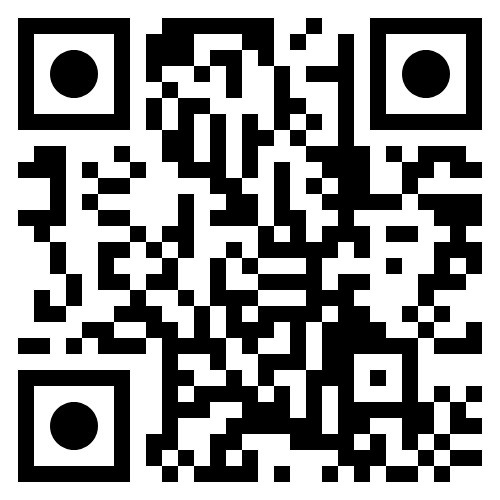
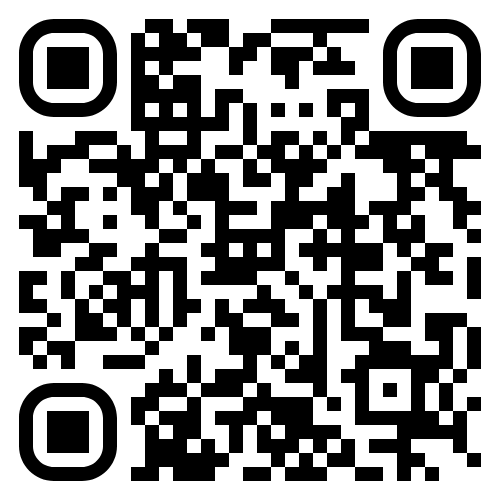
If you require a tax-deductible receipt, kindly use the Adventist Giving option.
1. Access the Giving Platform
- Scan the QR code or click the provided button using your device.
2. Add Donation Categories
- On the giving page, locate the section titled “Conferences/Union Offerings.”
- Click on “Add Categories.”
3. Select the Desired Category
- Scroll through the available options.
- Find and select “Camp Meeting Expense – BC.”
- Check the box beside it, then click “Back to Donation.”
4. Proceed with Your Donation
- The selected category will now appear in your donation list.
- Enter your desired donation amount.
- Click “Continue.”
5. Provide Your Information
- If you do not have an Adventist Giving account, select “Donate as Guest.”
- Complete the form with your personal details for tax receipt purposes.
6. Add Your Payment Method
- Enter your preferred payment details and complete your donation.